
무엇을 도와드릴까요?
make shop make signature
개별디자인 TIP
 주문관련
주문메시지 및 배송메시지 노출방법

<!--/if_text_user_message/--> <tr> <th scope="row"><div class="txt-l">주문메시지<br /><span>(100자내외)</span></div></th> <td colspan="3"> <!--/text_user_message/--> </td> </tr> <!--/end_if/-->
2. 배송메시지
<!--/if_text_delivery_message/--> <tr> <th scope="row"><div class="txt-l">배송메시지<br /><span>(100자내외)</span></div></th> <td colspan="3"> <!--/select_delivery_message/--> <!--/text_delivery_message/--> </td> </tr> <!--/end_if/-->
3. 주문서 화면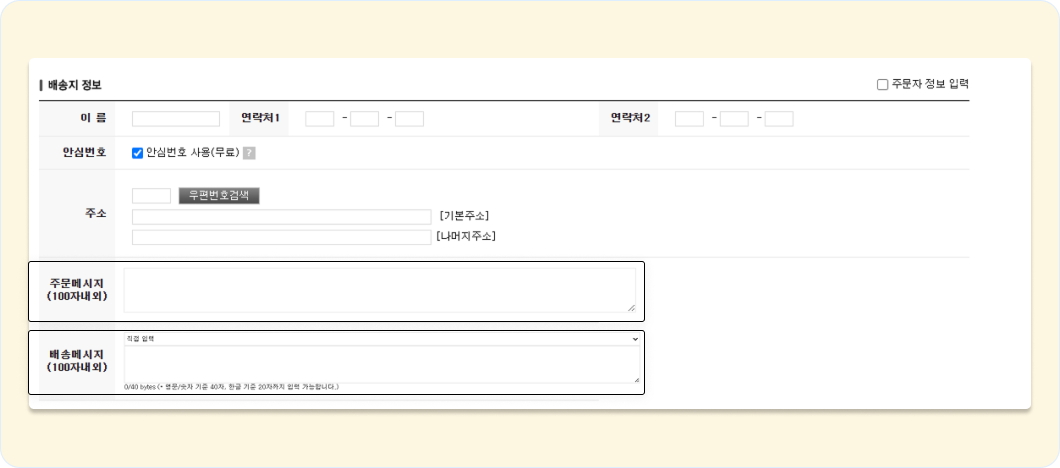
<!--/if_text_user_message/--> <tr style="border-top: 1px solid #454545;"> <th>주문메시지</th> <td><!--/text_user_message(txt-area1)/--></td> </tr> <!--/end_if/-->
2. 배송메시지
<!--/if_text_delivery_message/--> <tr style="border-top: 1px solid #454545;"> <th>배송메시지</th> <td><!--/select_delivery_message/--> <!--/text_delivery_message(txt-area1)/--></td> </tr> <!--/end_if/-->
3. 주문서 화면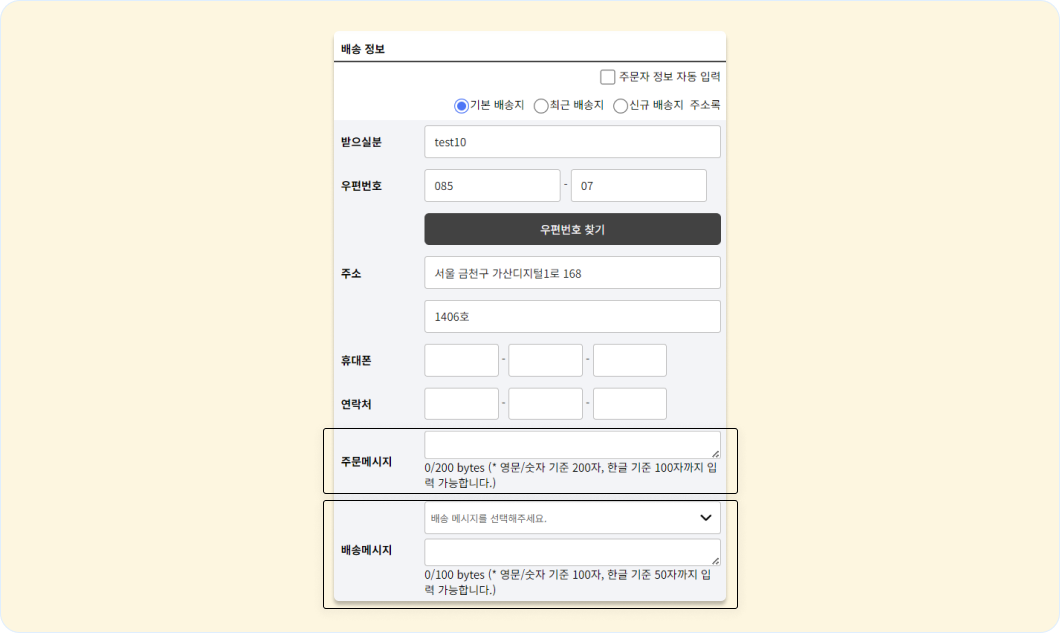
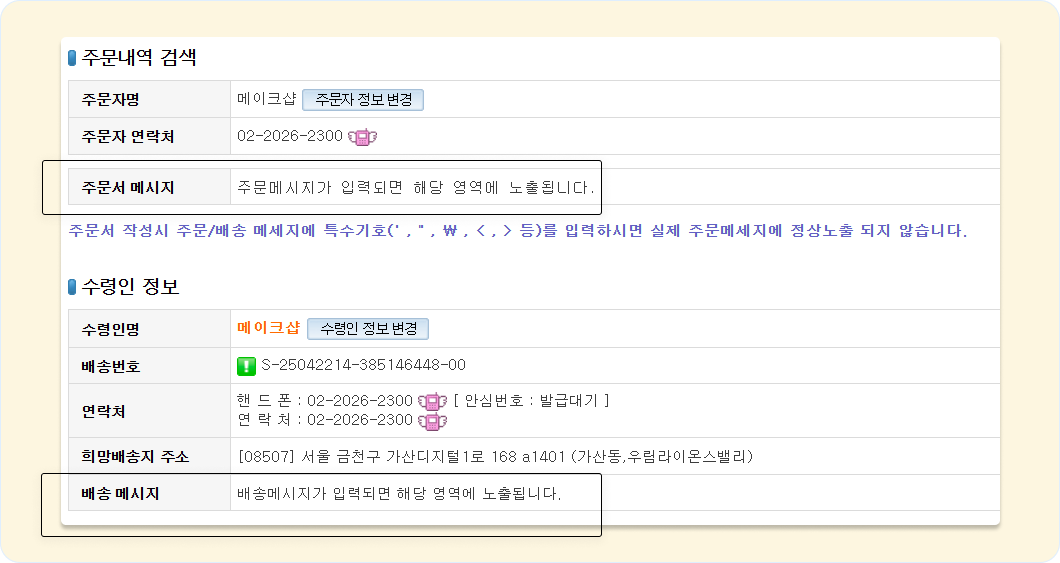
<< 참고사항 >> ※ 외부 프로그램 연동을 위해 가상태그 이용 원하실 경우 각 사용용도에 맞게 가상태그 작업해주세요. 반드시 소스 작업 후, 원하시는 정보가 정상적으로 접수되는지 테스트 해 주시기 바랍니다.
-
이전 글
-
다음 글